ROBOT COMMAND
Your robot walks on its own. You can't steer it, but you can program it.
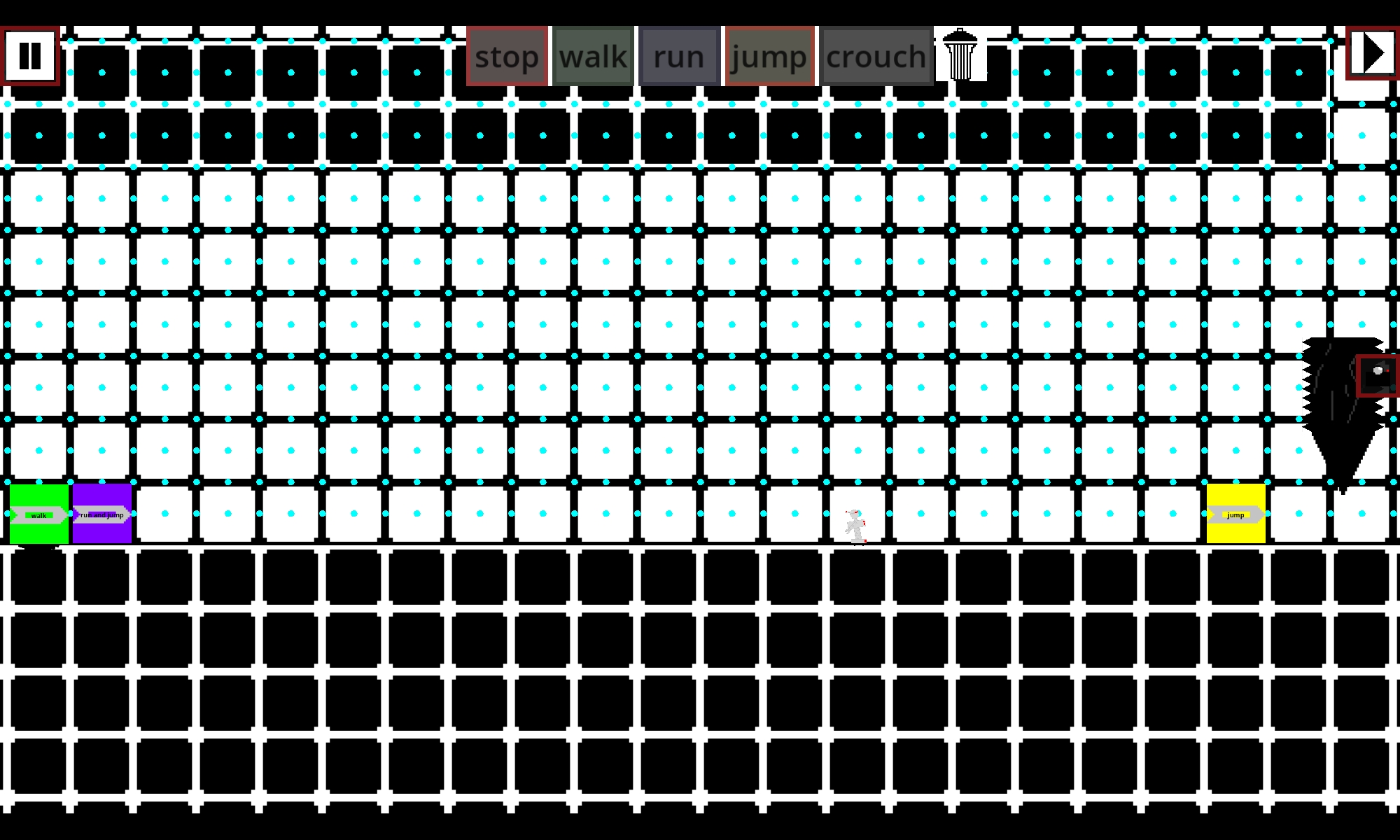
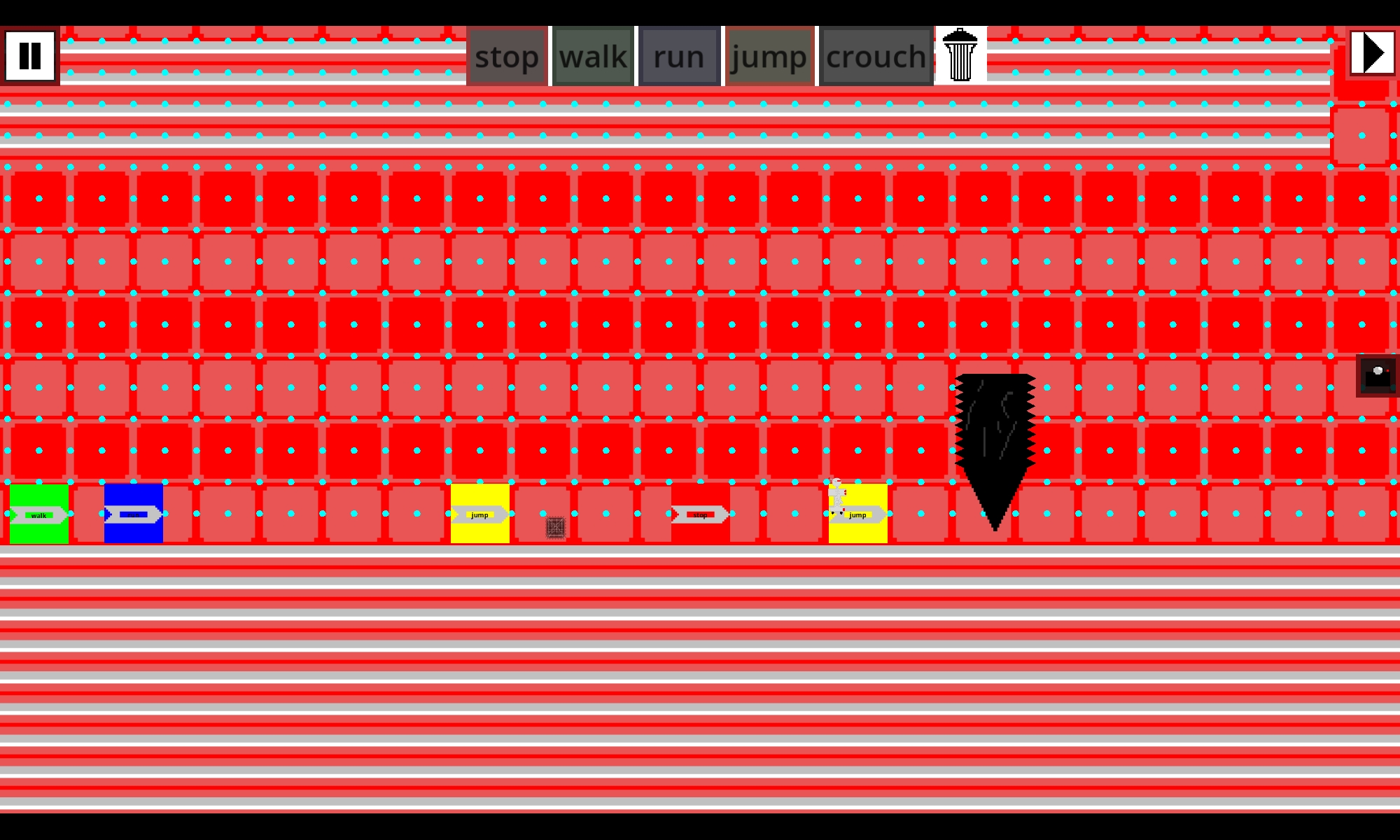
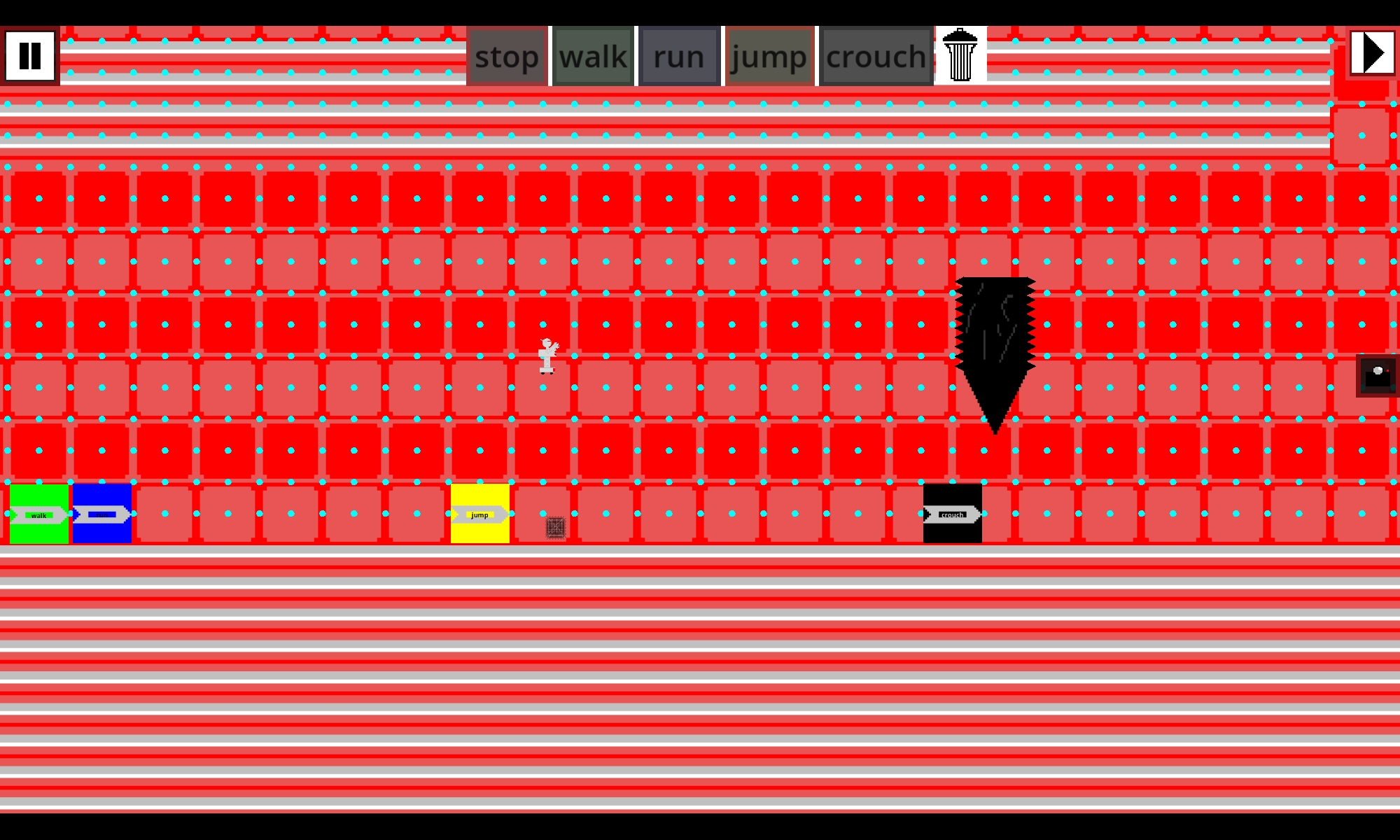
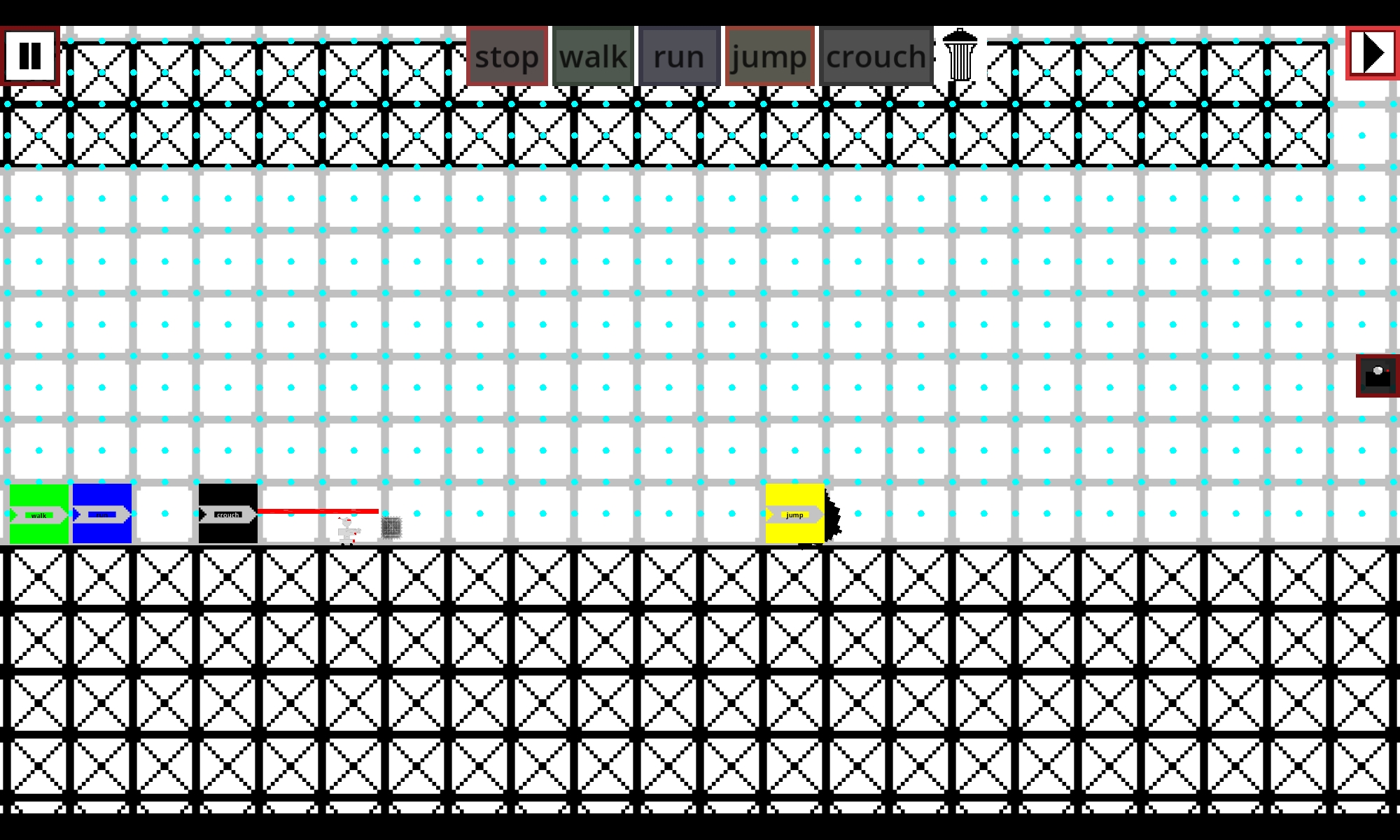
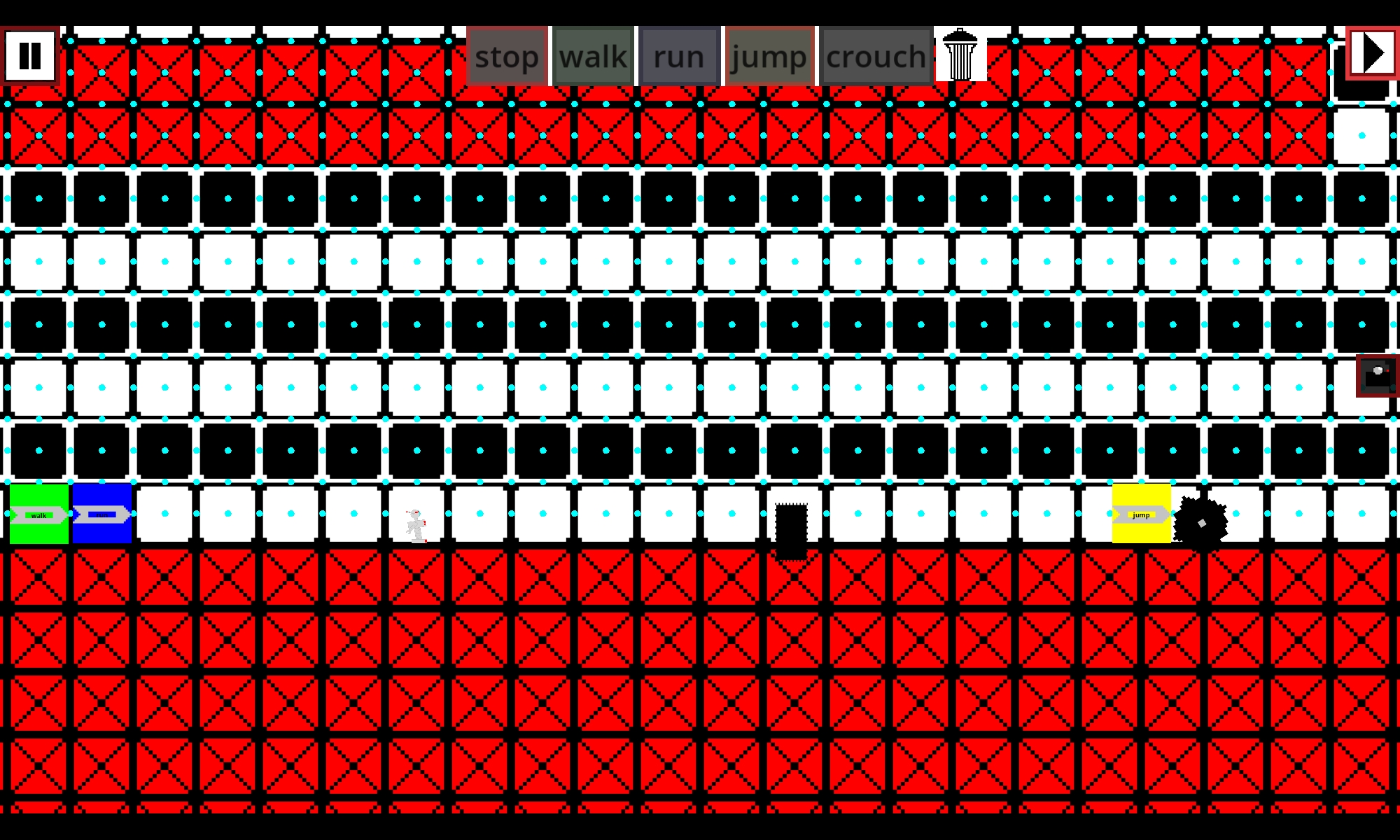
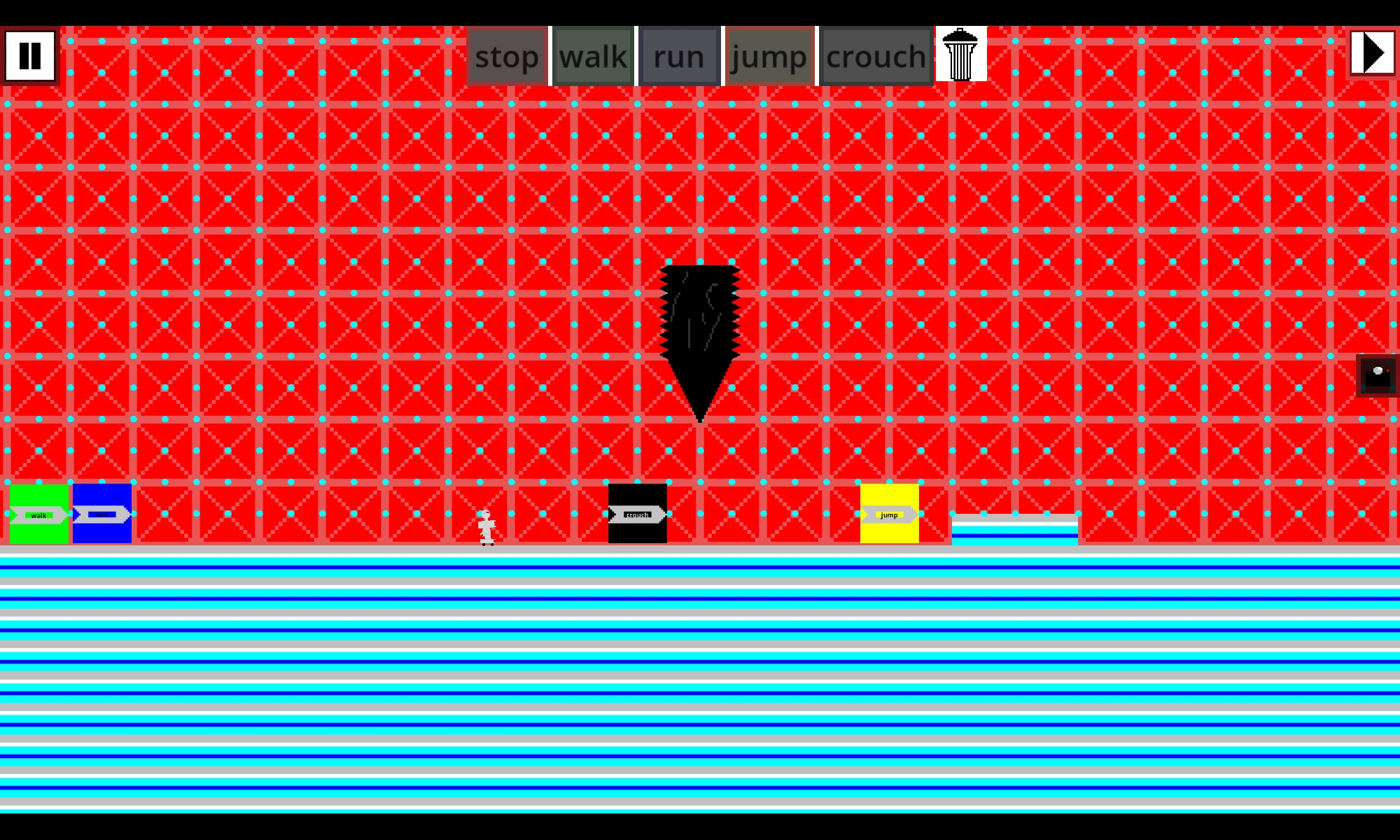
Before each level starts, place commands on the grid: stop, walk, run, jump and crouch. When the robot enters a command zone, it follows the order. Get the sequence and timing right and it reaches the exit. Get it wrong and the robot won't make it.
Stack commands to combine them, e.g. run + jump becomes a running jump
Some commands cancel each other, and some levels lock commands in place
50 puzzle levels with spikes, timed walls, saws, crushers, pendulums, low beams and pop-up traps
Mouse and touch controls
Play in English, Arabic or Egyptian Arabic
Stuck on a level? Tell me in the comments. Feedback is very welcome!
Download
Click download now to get access to the following files:
Comments
Log in with itch.io to leave a comment.
What a nice game!!
Thank you very much my bro
bro the arabic doesn't work in the browser but works in the apk
I noticed and i don't know how to solve it (first time uploading a browser game)
Got through the opening obstacle with walk + jump. Placing the jump before the wall makes the idea click. The bright red grid competes with the command tiles, though — a calmer background would make the route easier to read.
Thanks for your comment. But I thought it would be possible to add some visual distraction using the background. So I've achieved the goal, haven't I?
Yes, the background definitely drew my attention. My note was about the trade-off: while planning the walk/jump sequence, it made the route and command tiles harder for me to pick out. If distraction is part of the challenge, that effect came through; keeping the key controls distinct could still help.
I have added a frame around the command to make it easier to see the command.